Projects, channels and threads
Every project has its own code and channels. Long discussions move into a thread and keep the main chat clean.
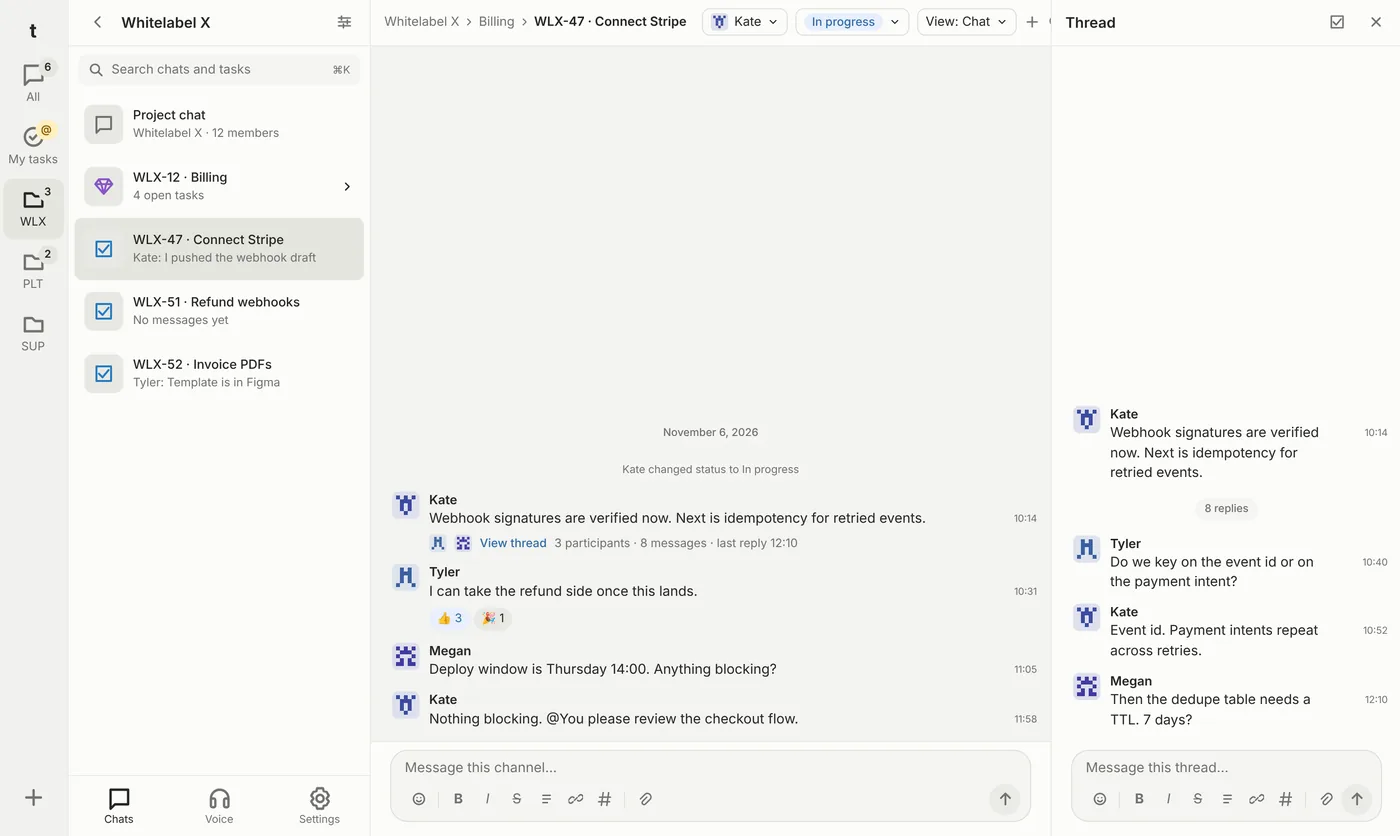
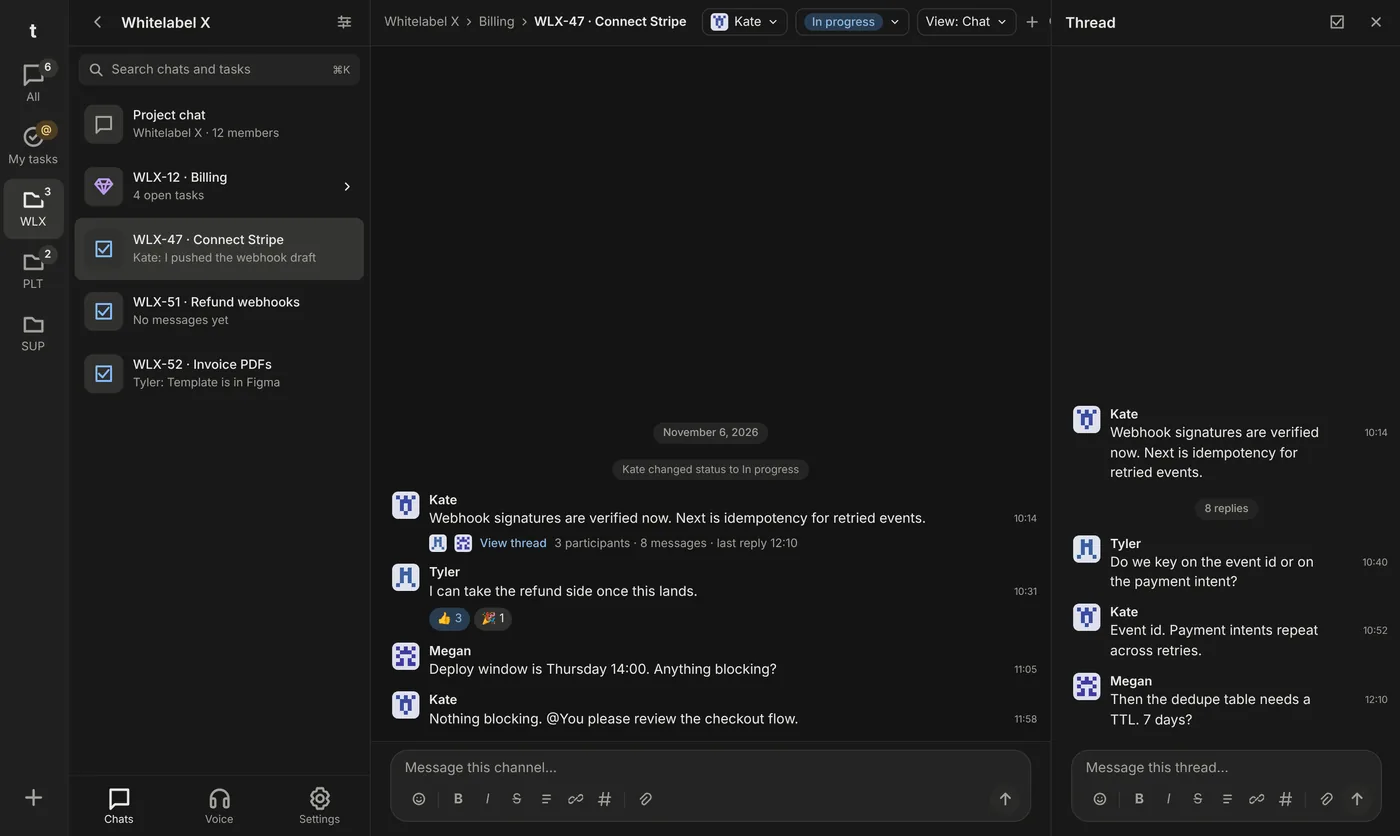
A team messenger that runs on your company's servers. Turn any discussion into a task in a couple of taps.
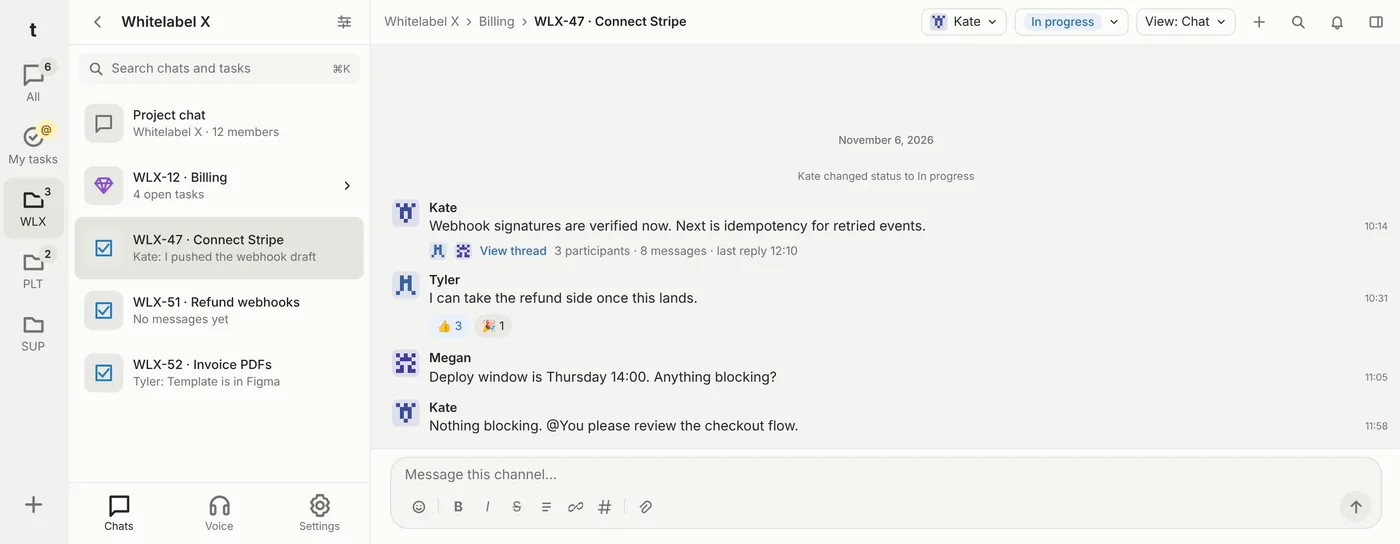
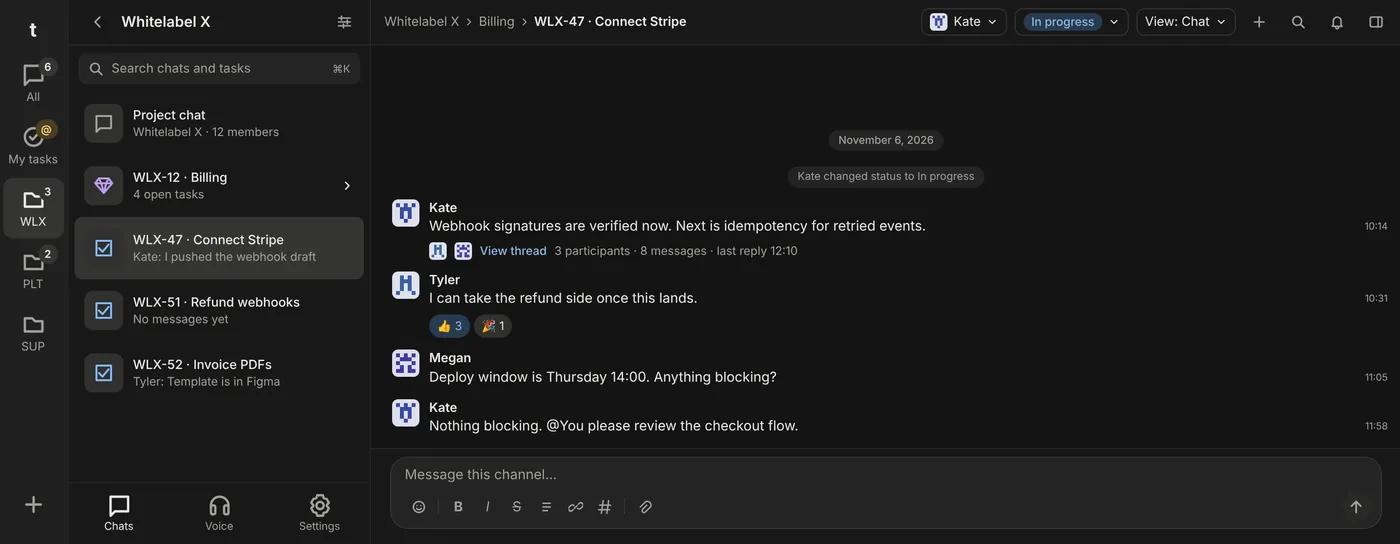
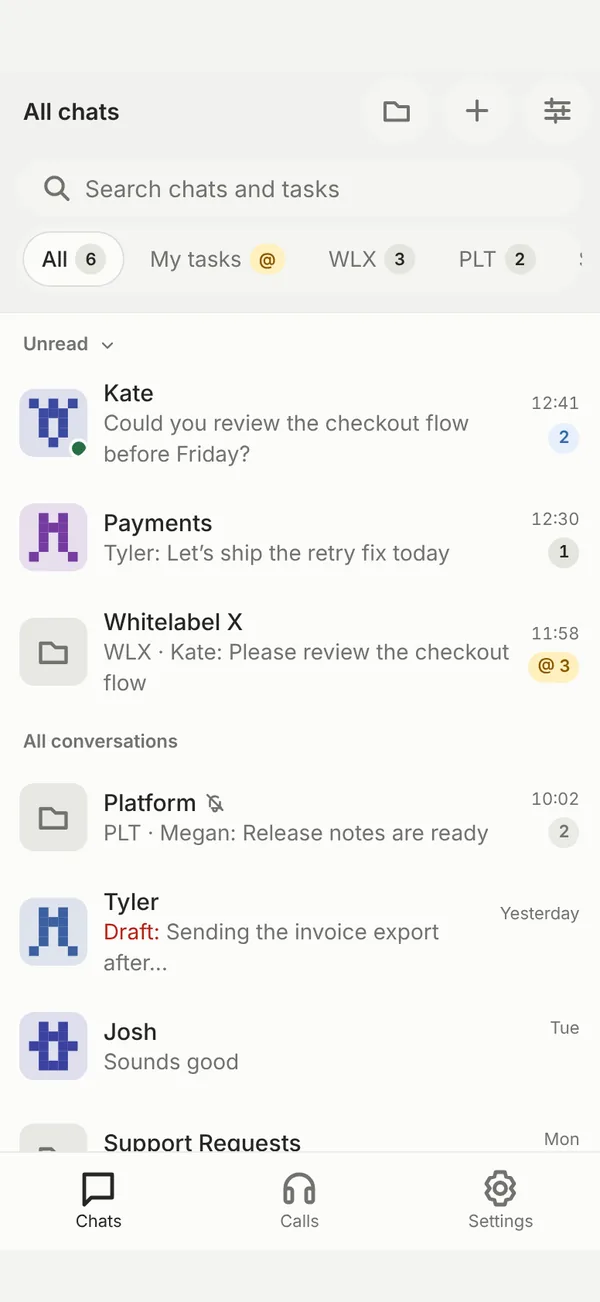
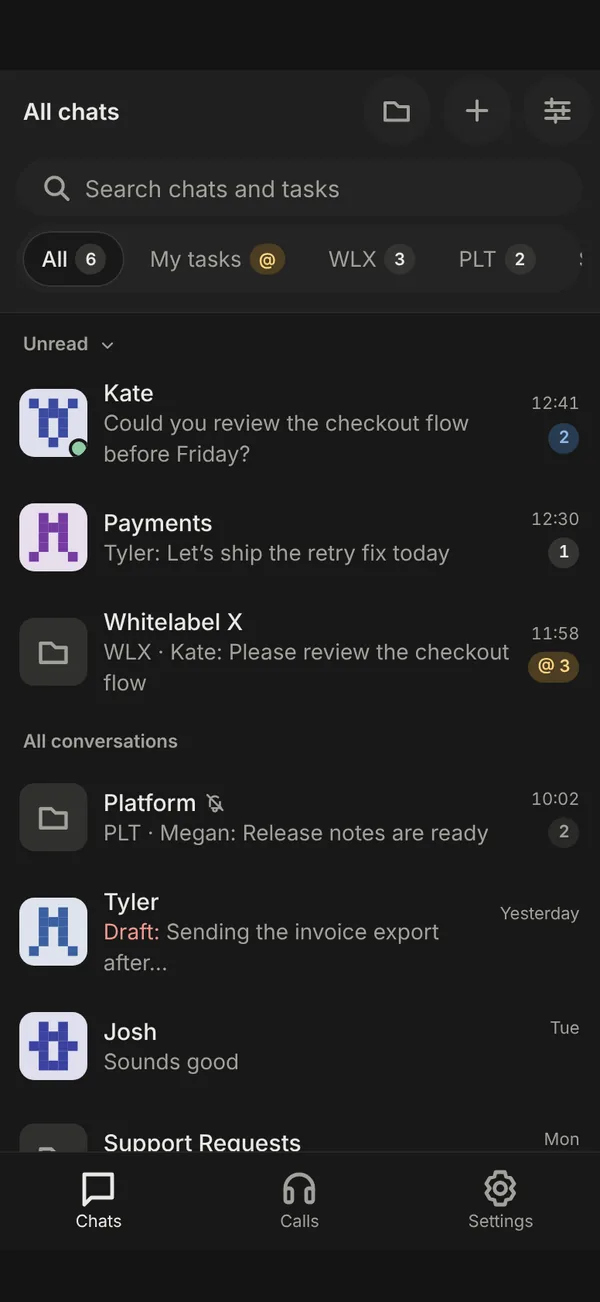
Chats, tasks and calls are connected. No need to keep three services open and paste links between them.
Every project has its own code and channels. Long discussions move into a thread and keep the main chat clean.
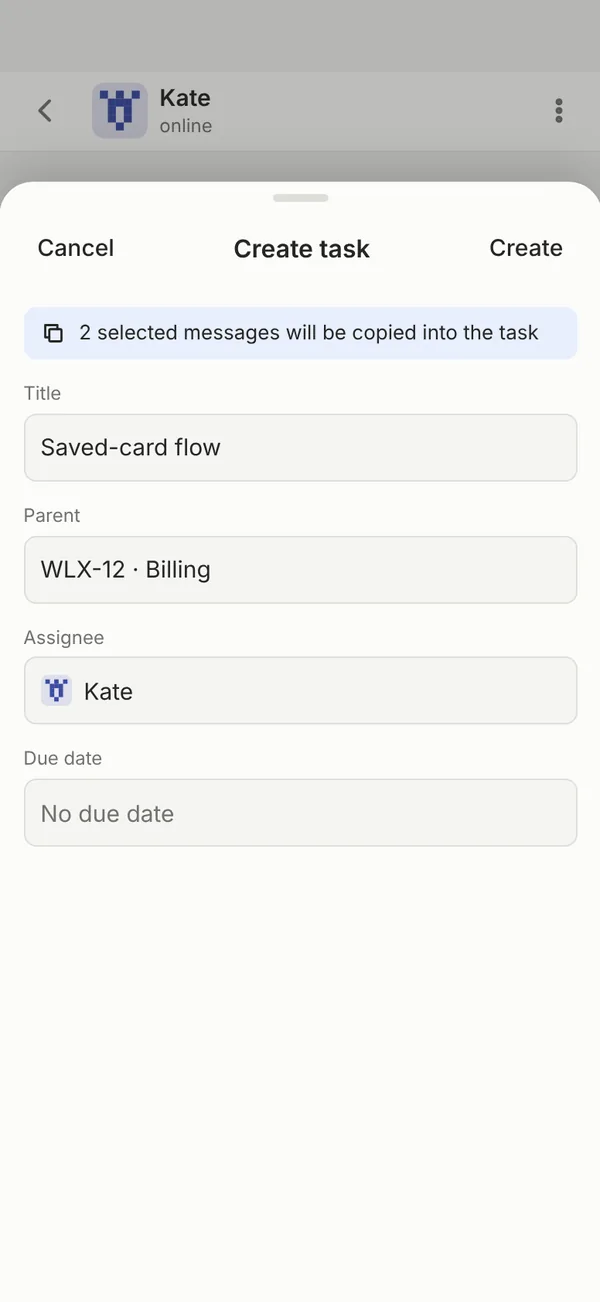
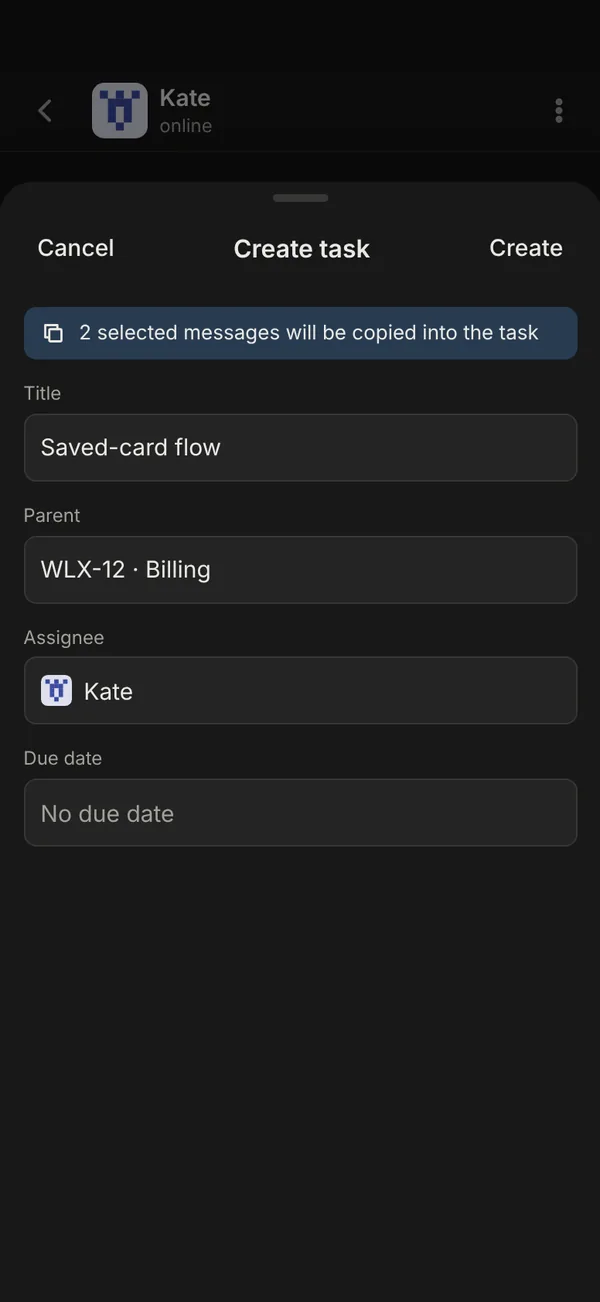
Select messages and tap “Create task”. The conversation is copied into the task, you just set the assignee and due date.
See project work as a Kanban board or a list. Filter by status, assignee and due date.
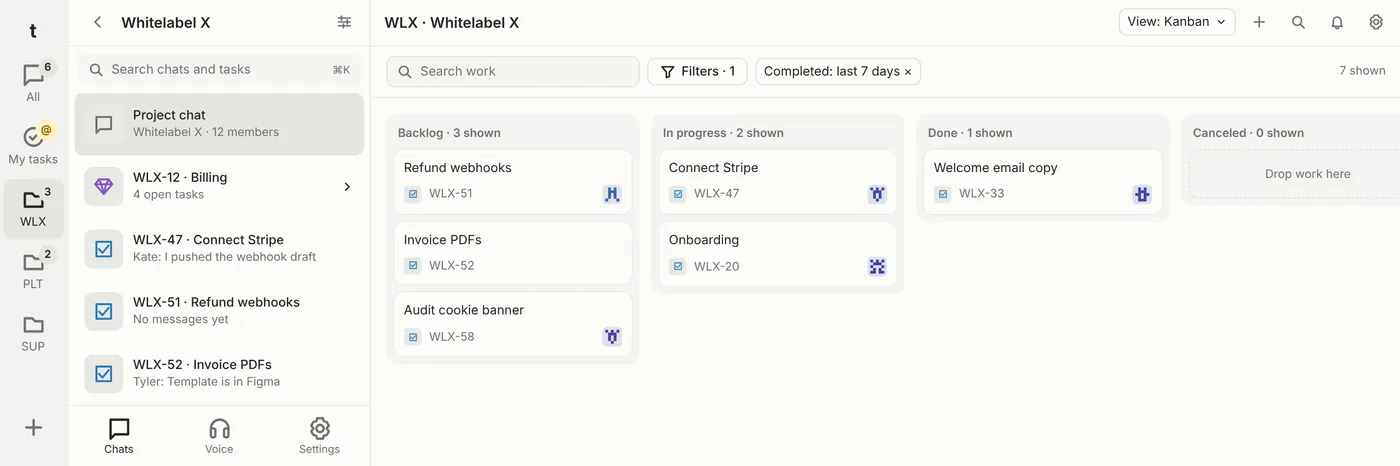
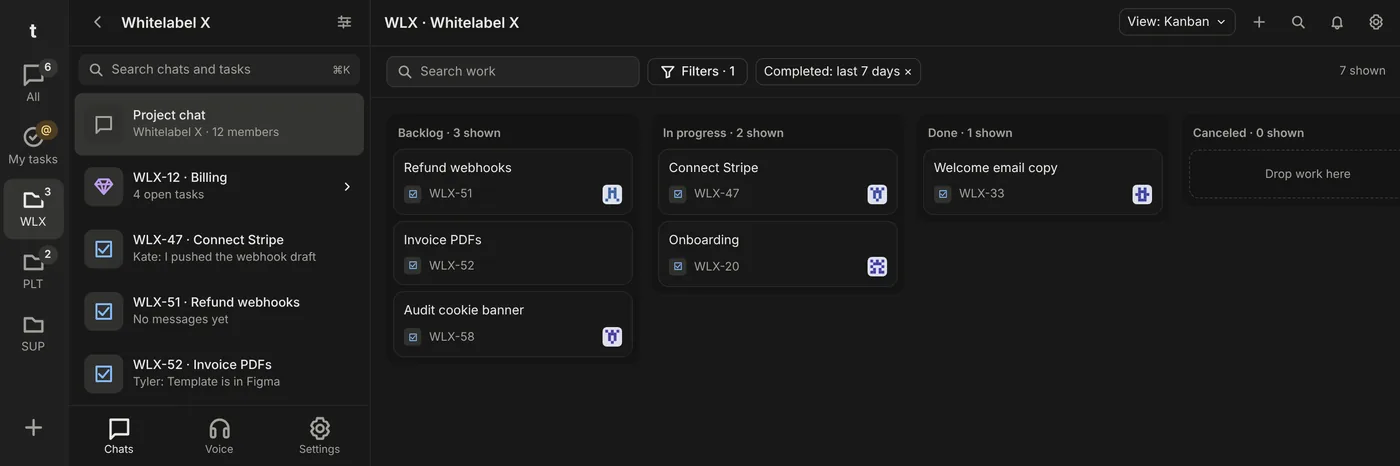
Everything assigned to you, across all projects, in one place.
Find chats, tasks and messages from a single field.
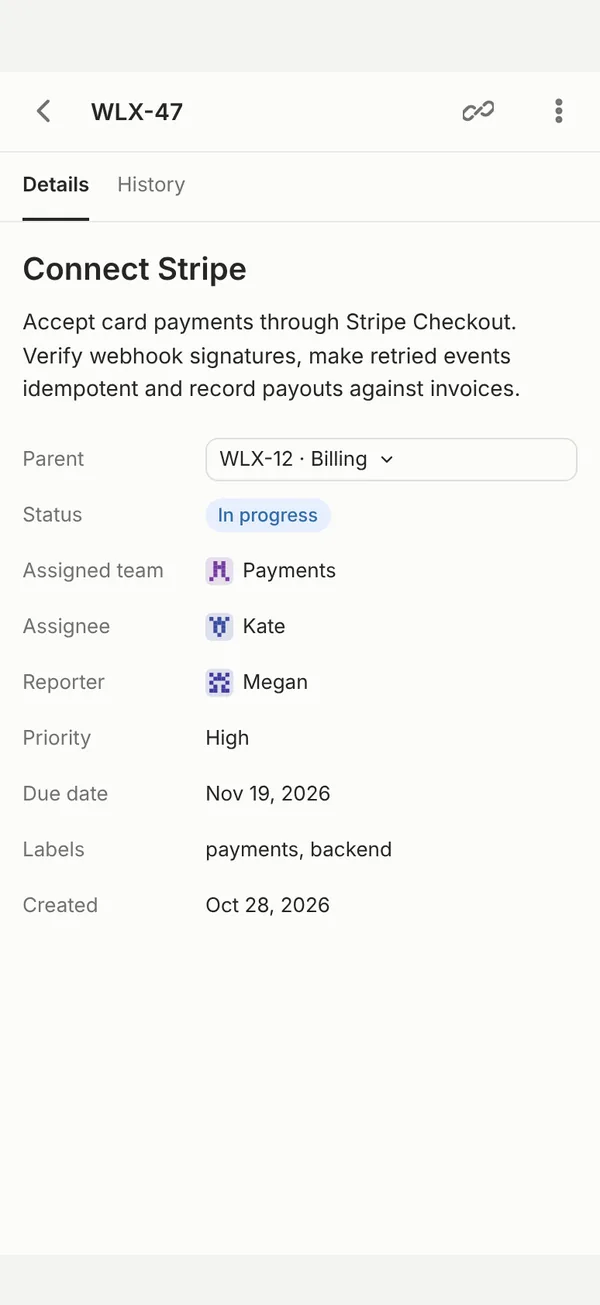
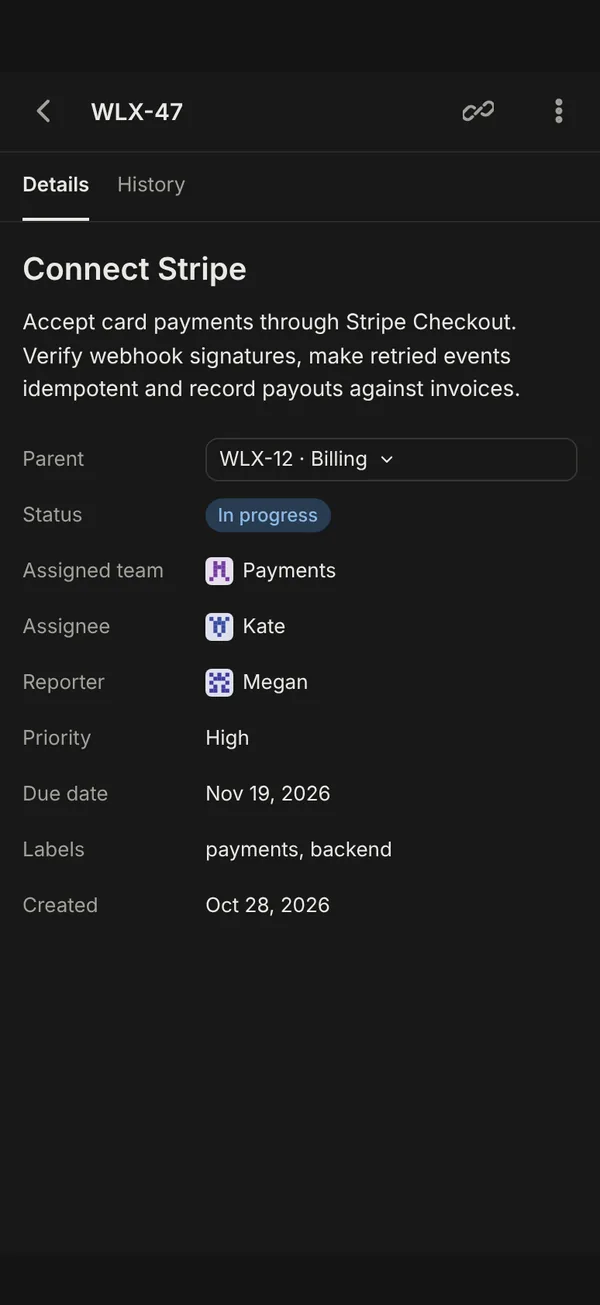
Tasks live where they are discussed. Each one has its own channel, key and history.
Write in a project channel or a direct chat. Files, photos and videos right in the feed.
Selected messages become a task with a key like WLX-47. Set a parent task or an epic if you need one.
Change status, assignee and due date right in the task channel header. Completed tasks stay visible for a week, then leave the list.
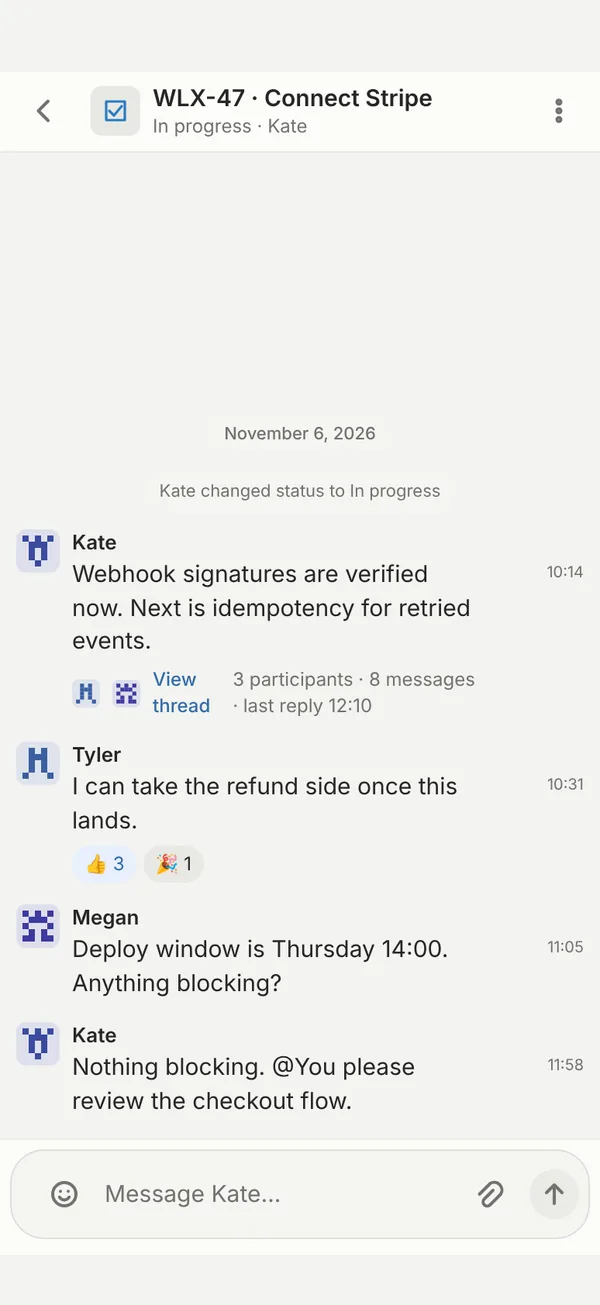
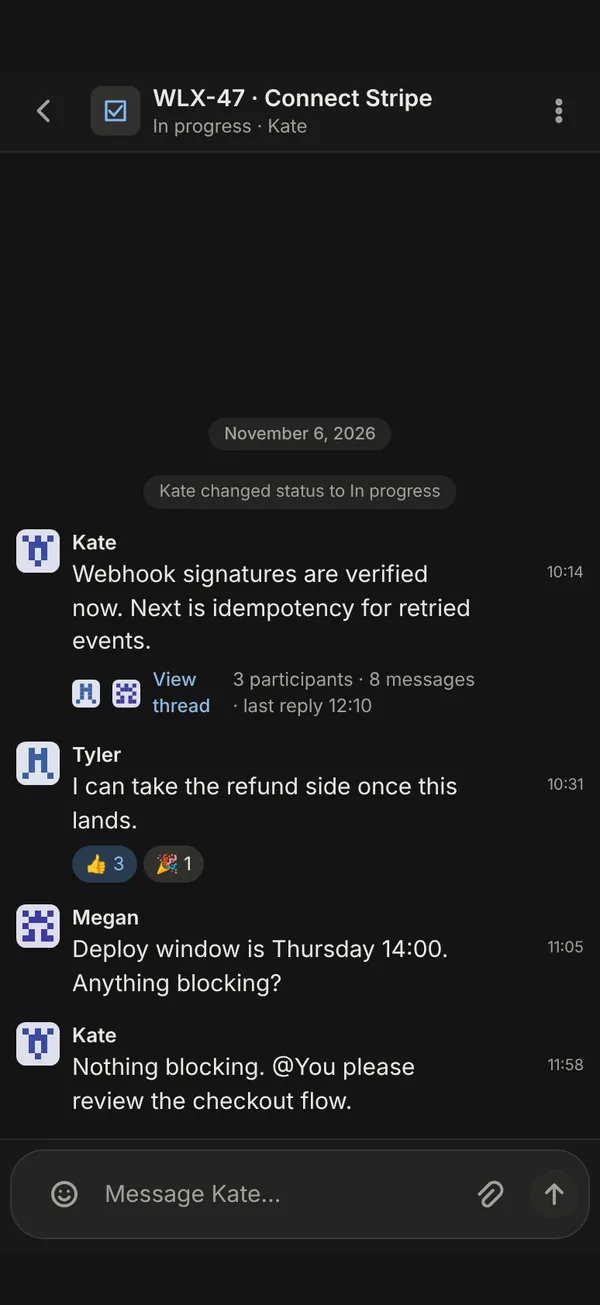
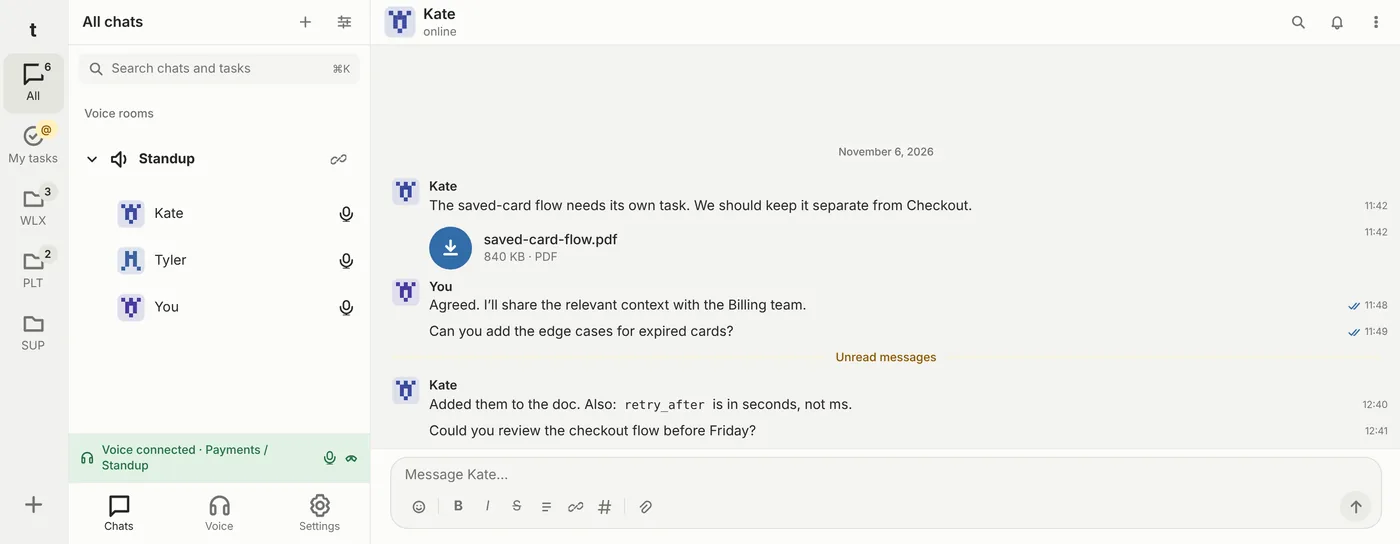
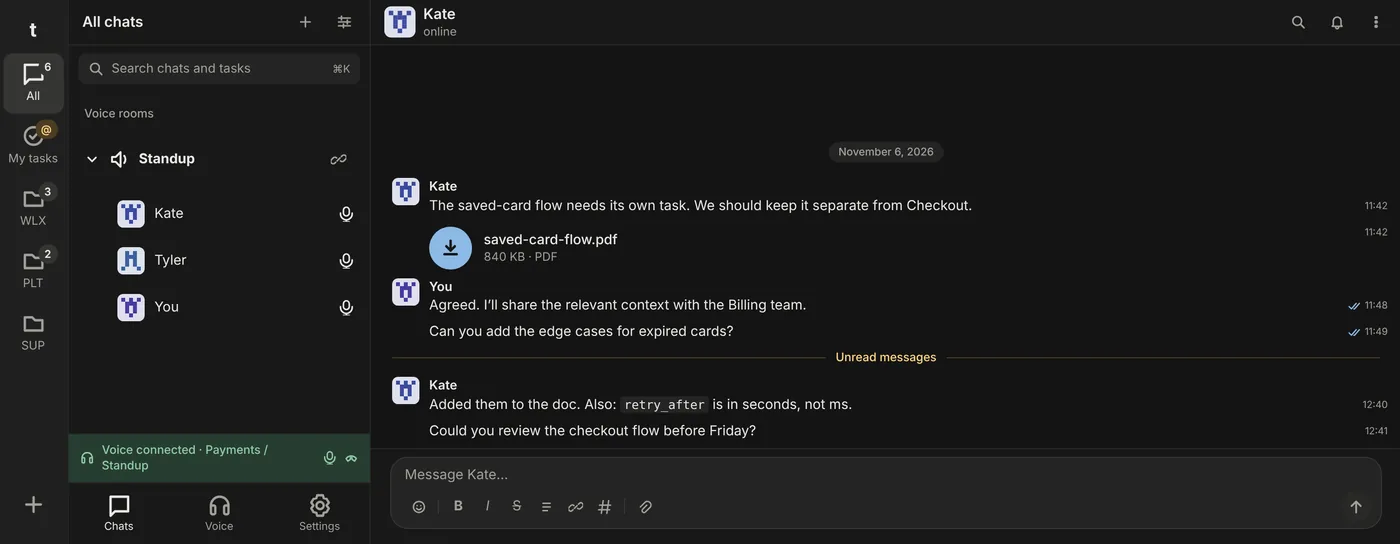
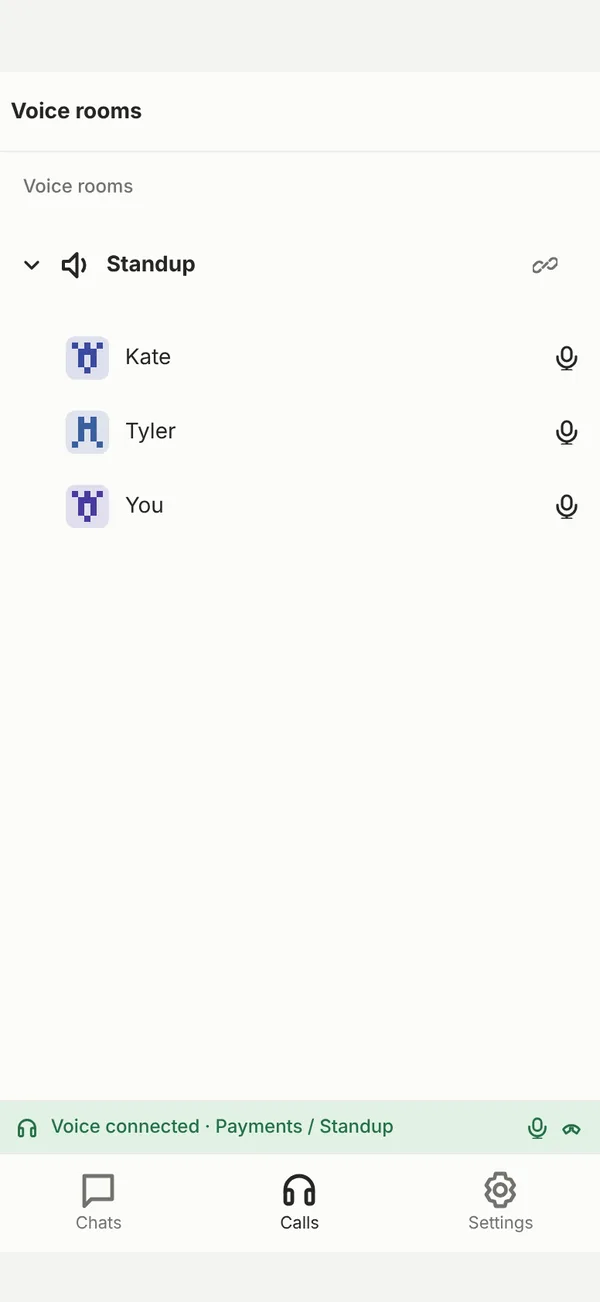
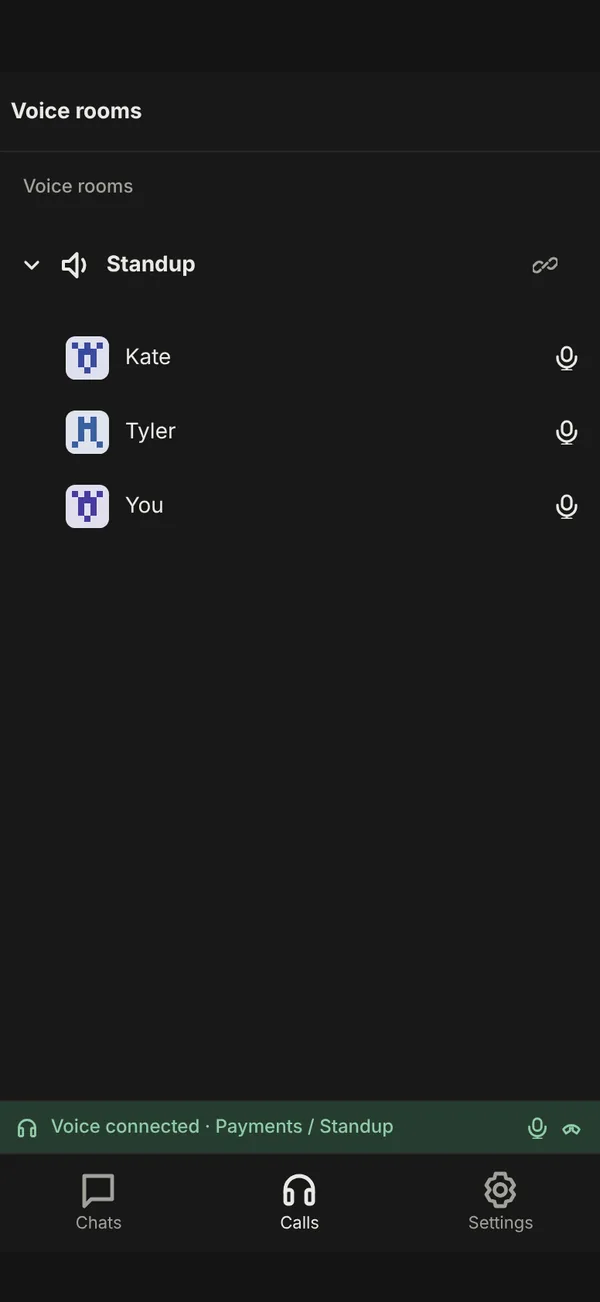
Voice rooms sit right next to your chats. Join, talk, get back to work. The call keeps going while you browse channels or open a colleague's profile.
Threadli is installed on your company's servers. Messages, files, tasks and calls go through your server. We do not host or store them.
You decide where the server runs, who maintains it and how long data is kept.
People sign in with their work account. When someone leaves, access is closed in the same place as everywhere else.
Project owners and admins control access. Private team history stays closed even to administrators.
When messages move between channels, authors, times, attachments and reactions are kept. Nothing is sent again.
One app on phone and desktop. Your archive and project order stay in sync across devices.
On your company's server. We do not host or store your employees' messages, files, tasks or call content.
Your company administrator grants access, or it comes through your SSO sign-in. The employee installs the app, enters the company server address and signs in.
The apps for employees are free. The server and licence are arranged under an agreement with your company. Write to us and we will discuss your team size and terms.
Accounts are managed by your company administrator, please contact them. If that does not work, write to privacy@threadli.io and we will help you reach the administrator.
Yes. Threadli runs on Windows, macOS and Linux, as well as iPhone, iPad and Android.
Tell us which service you use now and we will explain what options there are for your case.
Threadli is licensed to companies. Tell us about your team and we will help you deploy the server and get started.
Contact us support@threadli.io